Welcome to Email Signature Magic
A few short videos, just a few seconds to a minute each, and you'll have every agent's signature on-brand automatically. Let's dive in.
Start with the first videoWatch & learn
Tap any video for the full walkthrough, with the written steps right alongside it.
A step-by-step guide for your IT admin — install the Outlook add-in once and every signature appears automatically.
 11:06
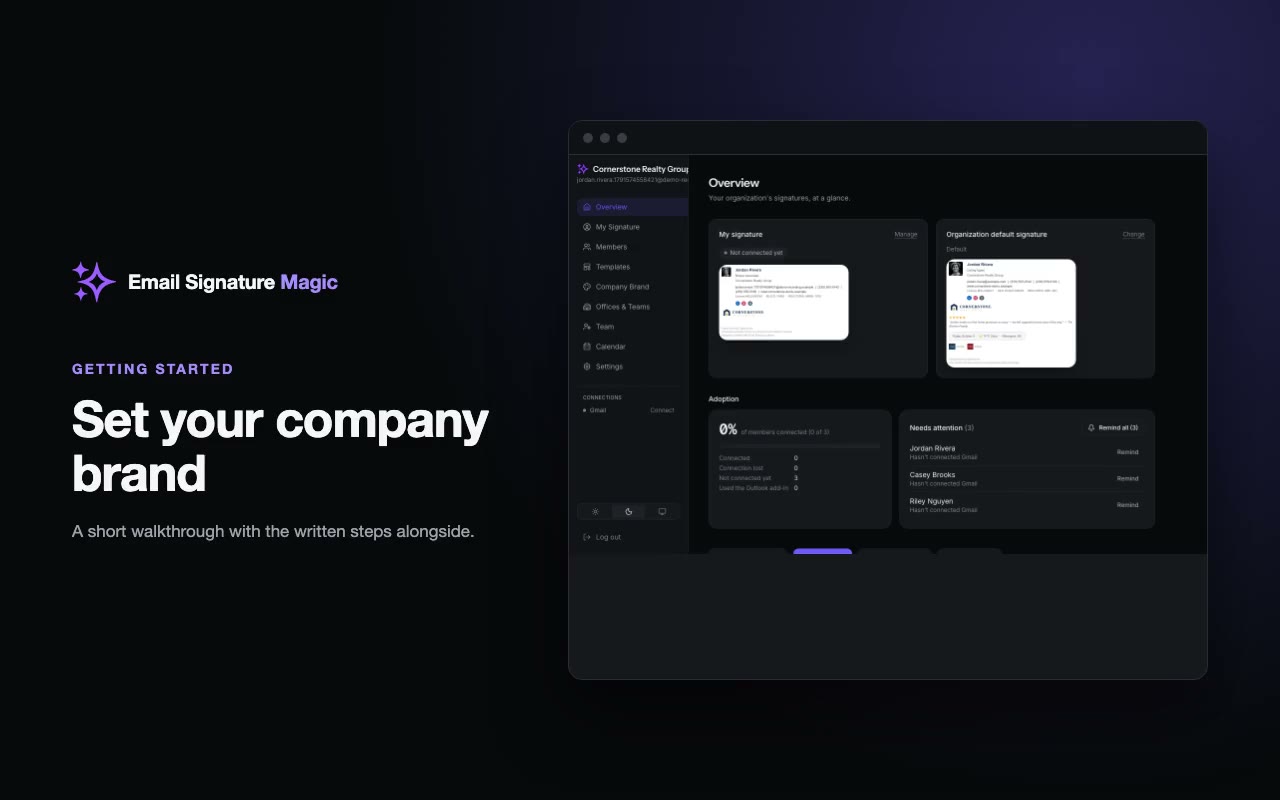
Set your company brand
Add your logo, colors and font once. Every signature in your organization inherits it automatically.
 21:29
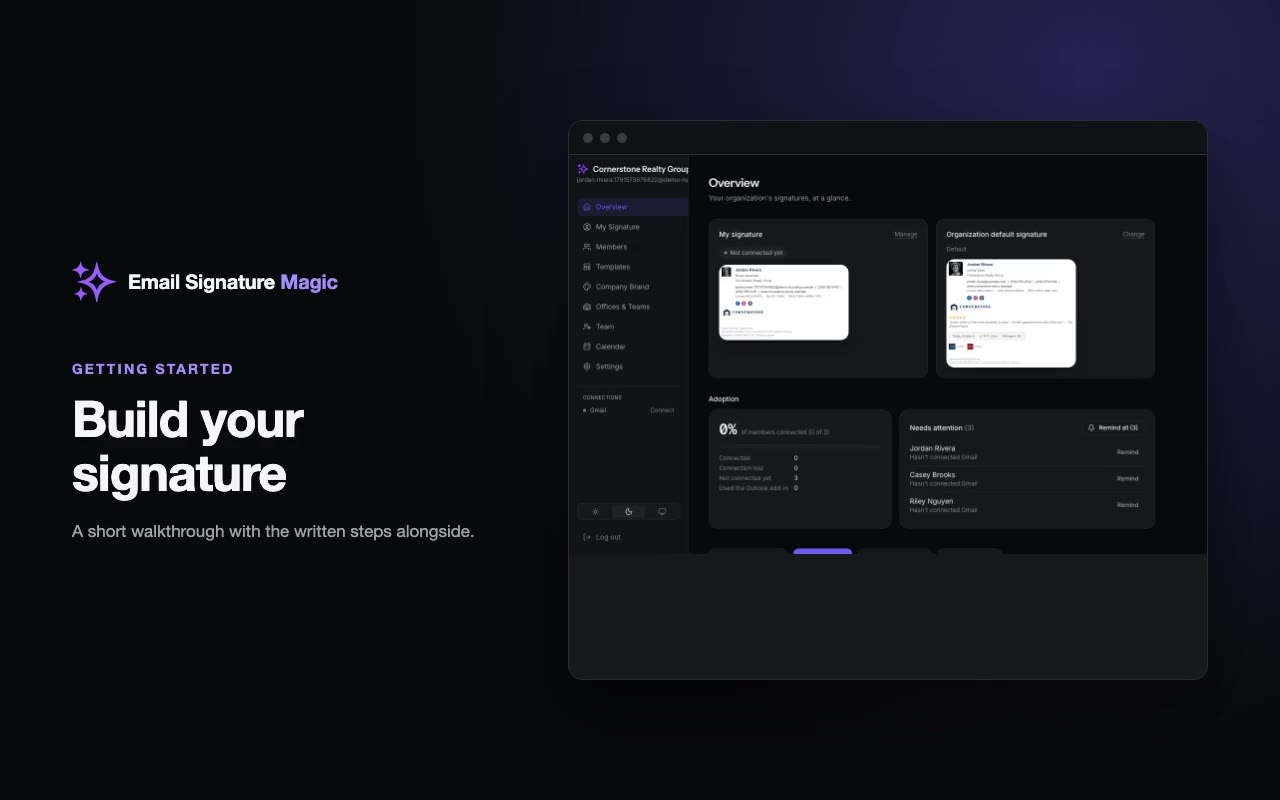
Build your signature
Edit your details, add a personal touch, and watch the preview change as you type.
 31:13
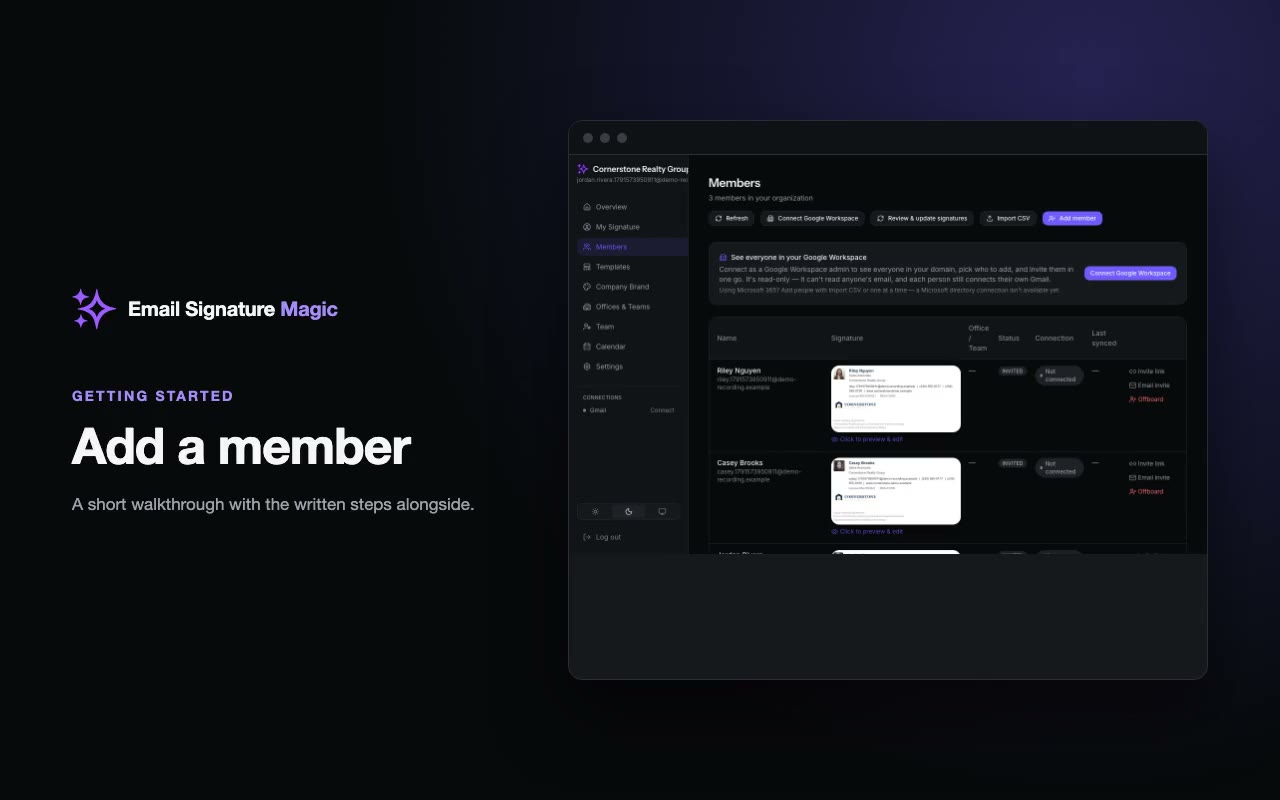
Add a member
Add someone to your organization and send them their link to connect Gmail.
 41:30
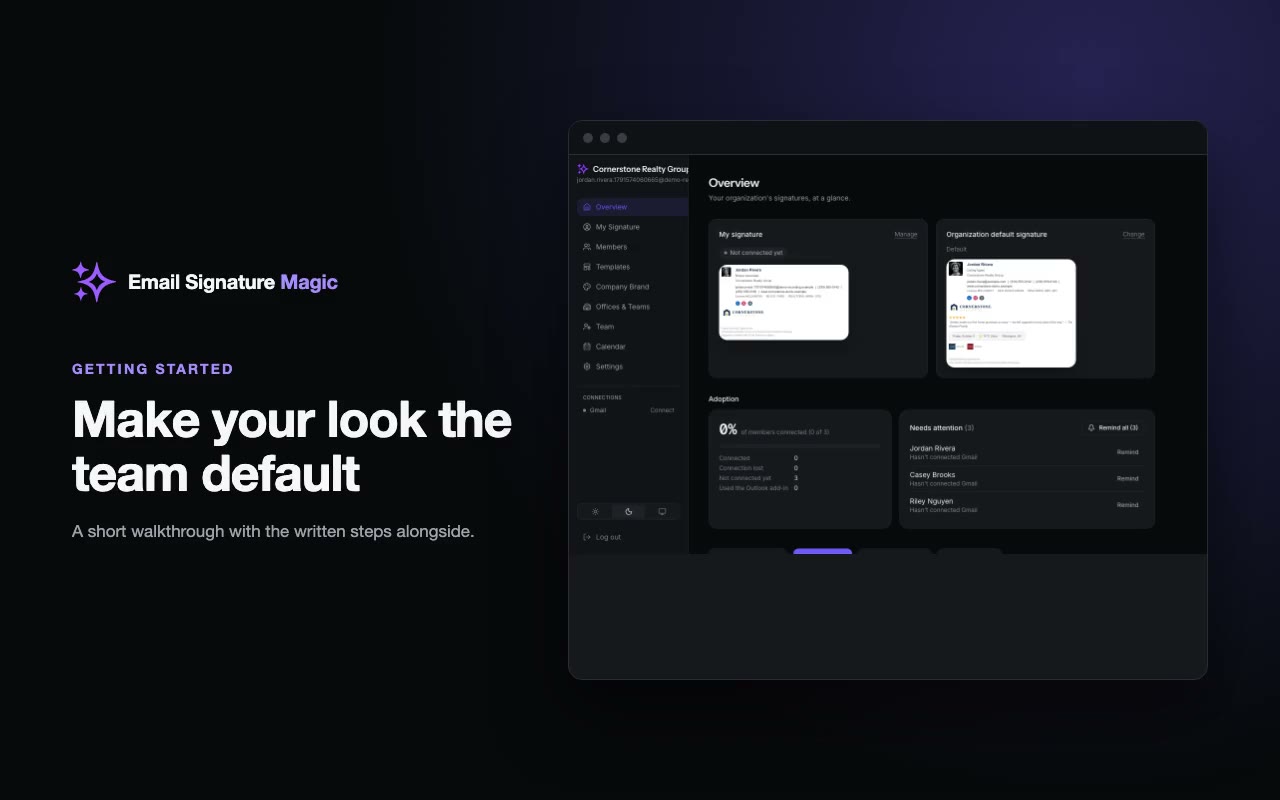
Make your look the team default
Choose colors on your own signature, then share them with the whole team in one step.
 50:52
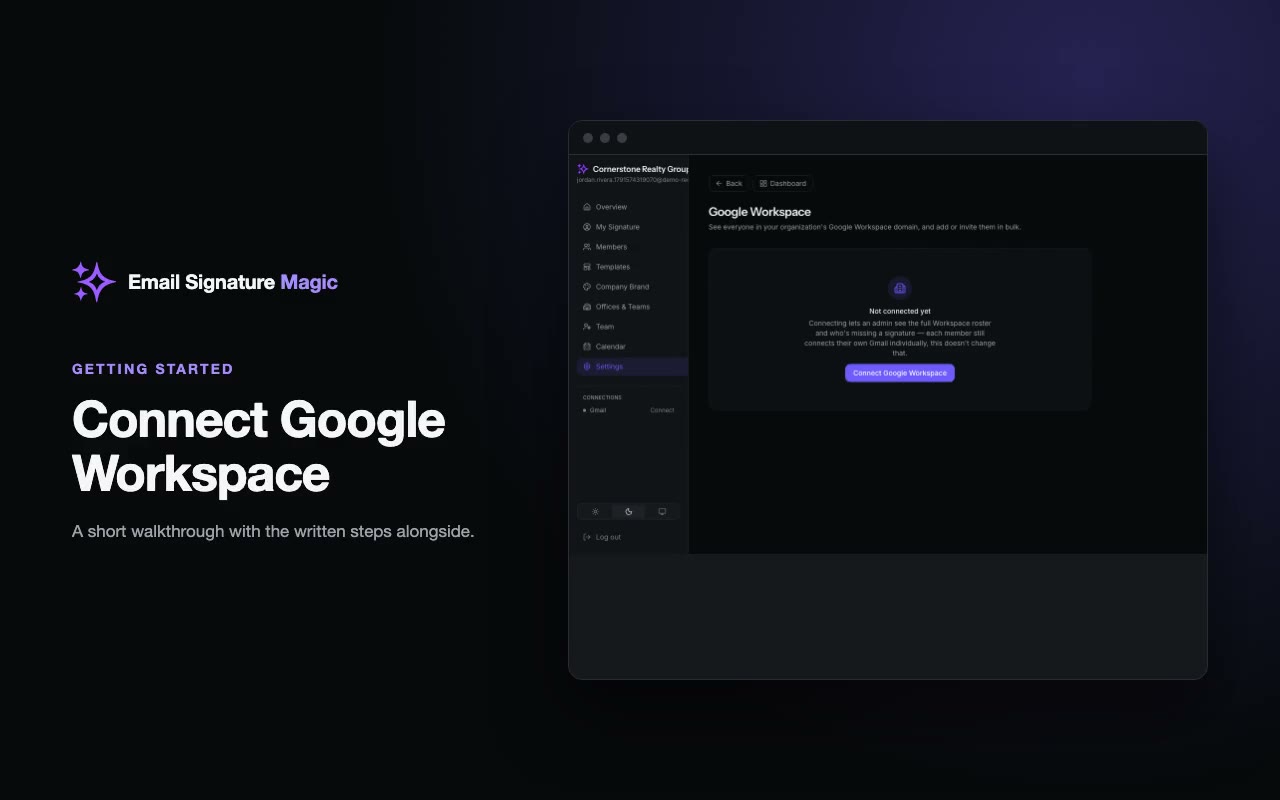
Connect Google Workspace
See everyone in your Google Workspace domain, add them in bulk, and keep the team up to date automatically.
 61:05
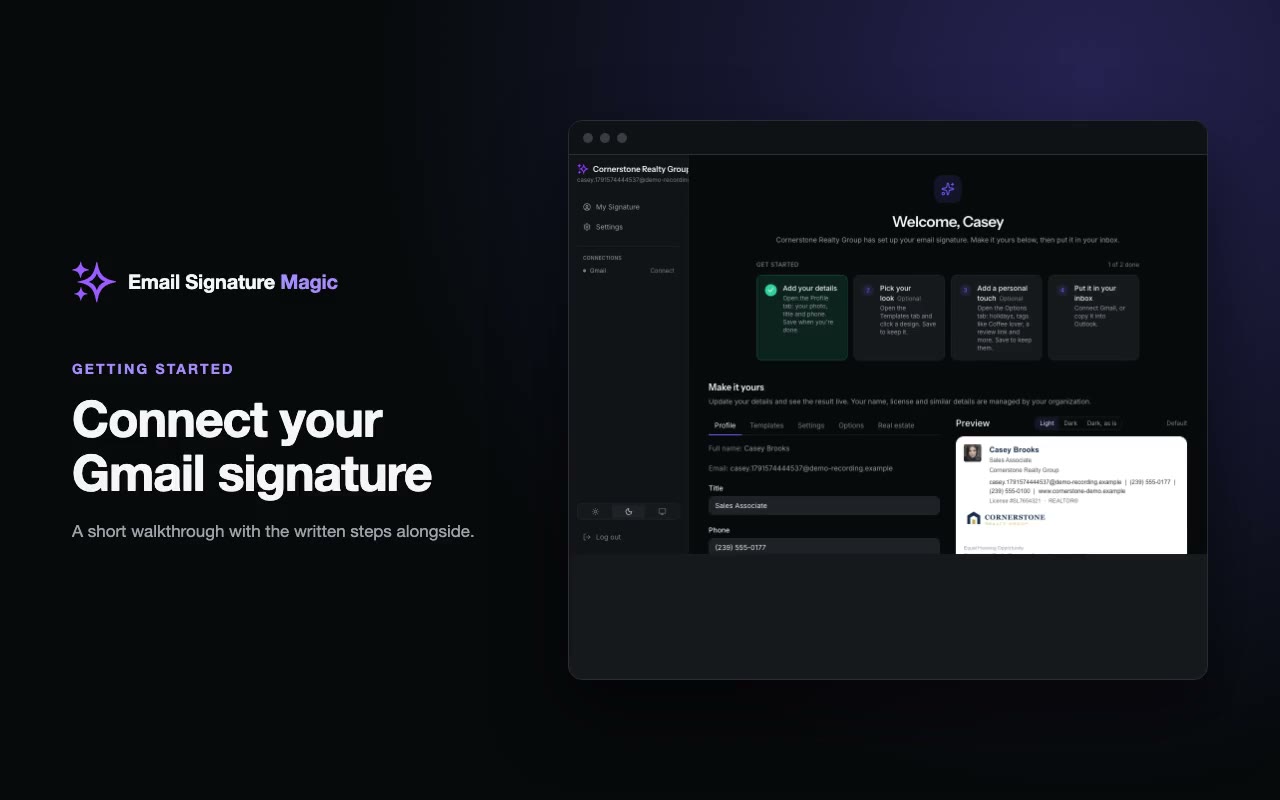
Connect your Gmail signature
What you see on your invite link: your signature, a few things you can personalize, and the Connect Gmail button.