All guides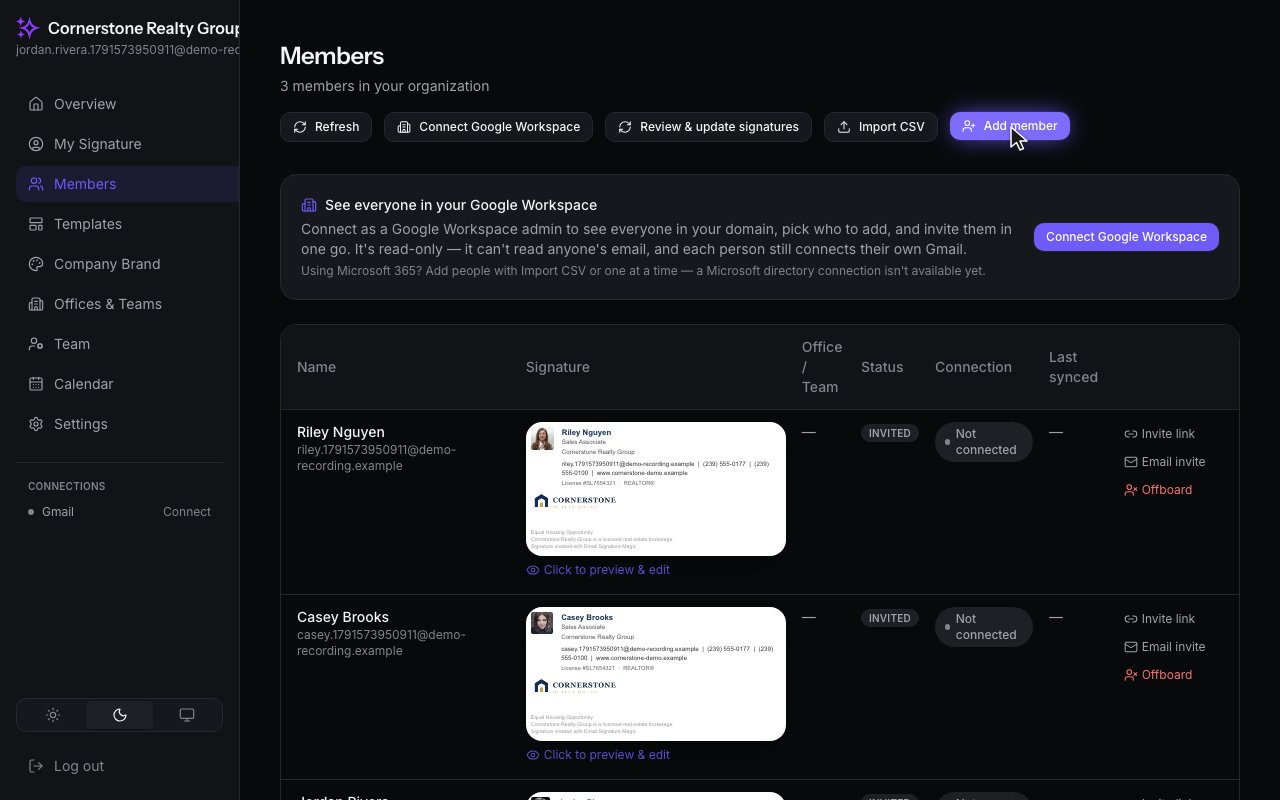
Getting Started · Admins
Add a member
Add someone to your organization and send them their link to connect Gmail.
Step by step
1
This is Members, everyone whose signature you manage. Click Add member.
2
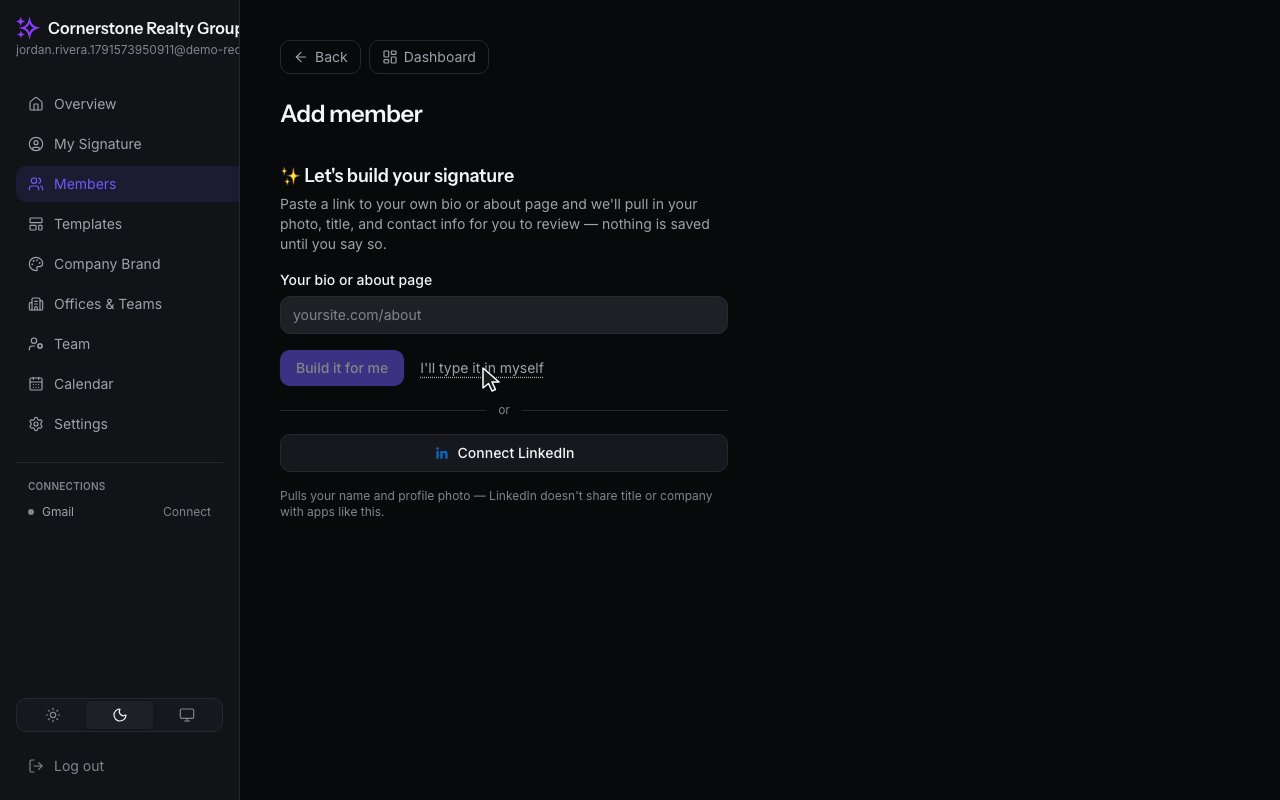
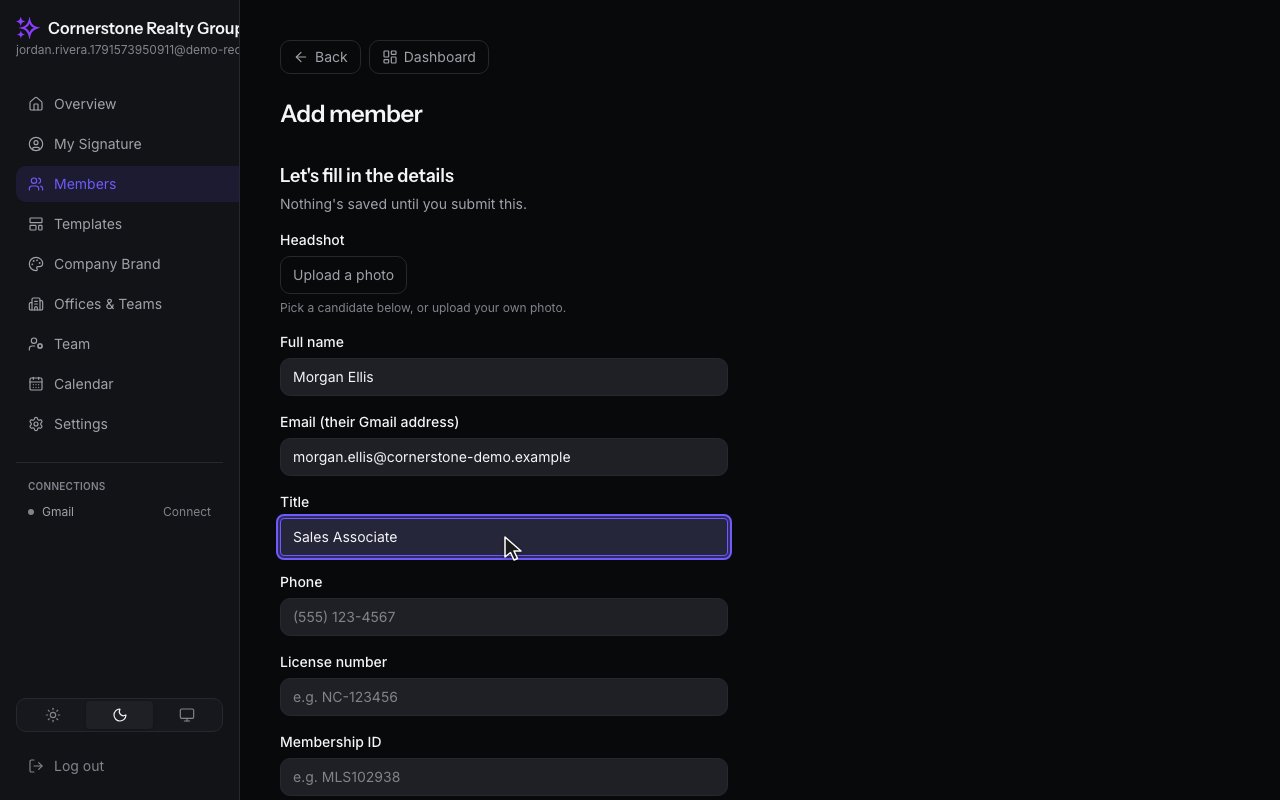
You can build a signature from a bio page, or just type the details in yourself.
3
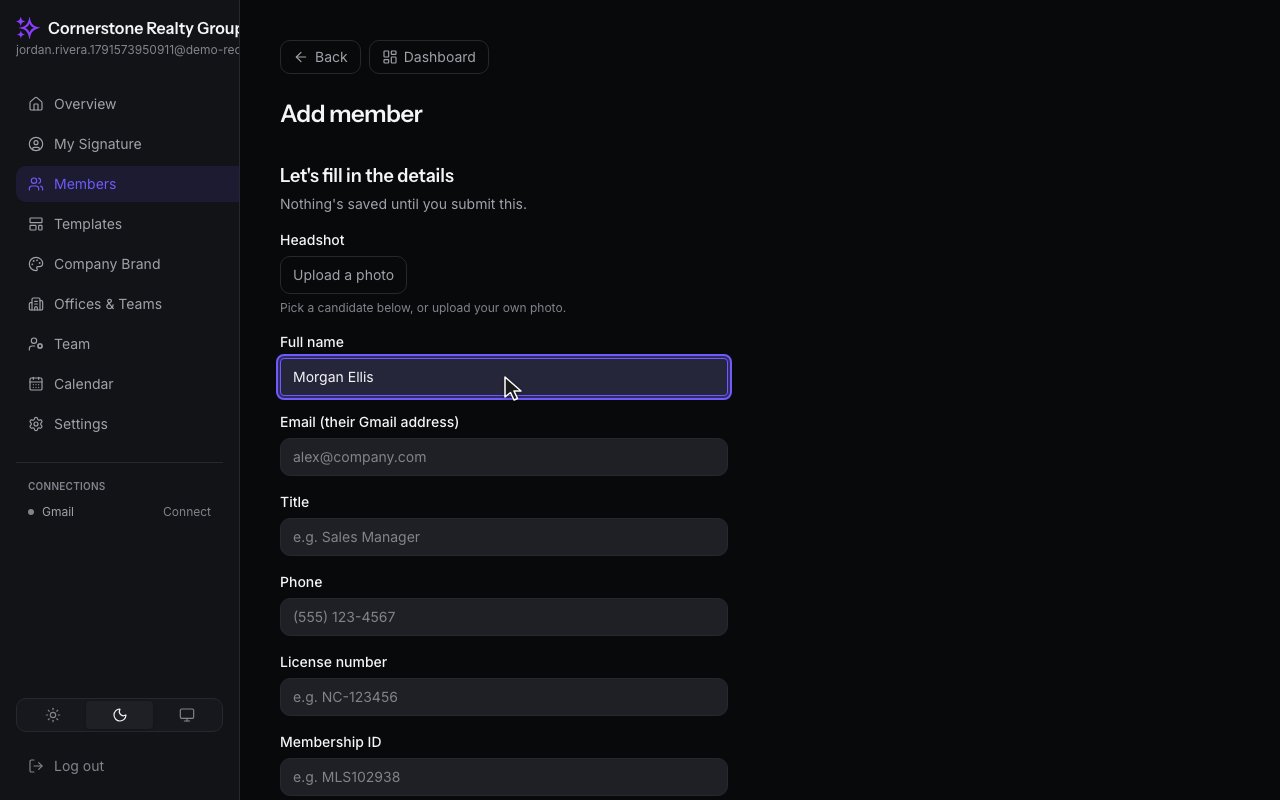
Start with their name.
4
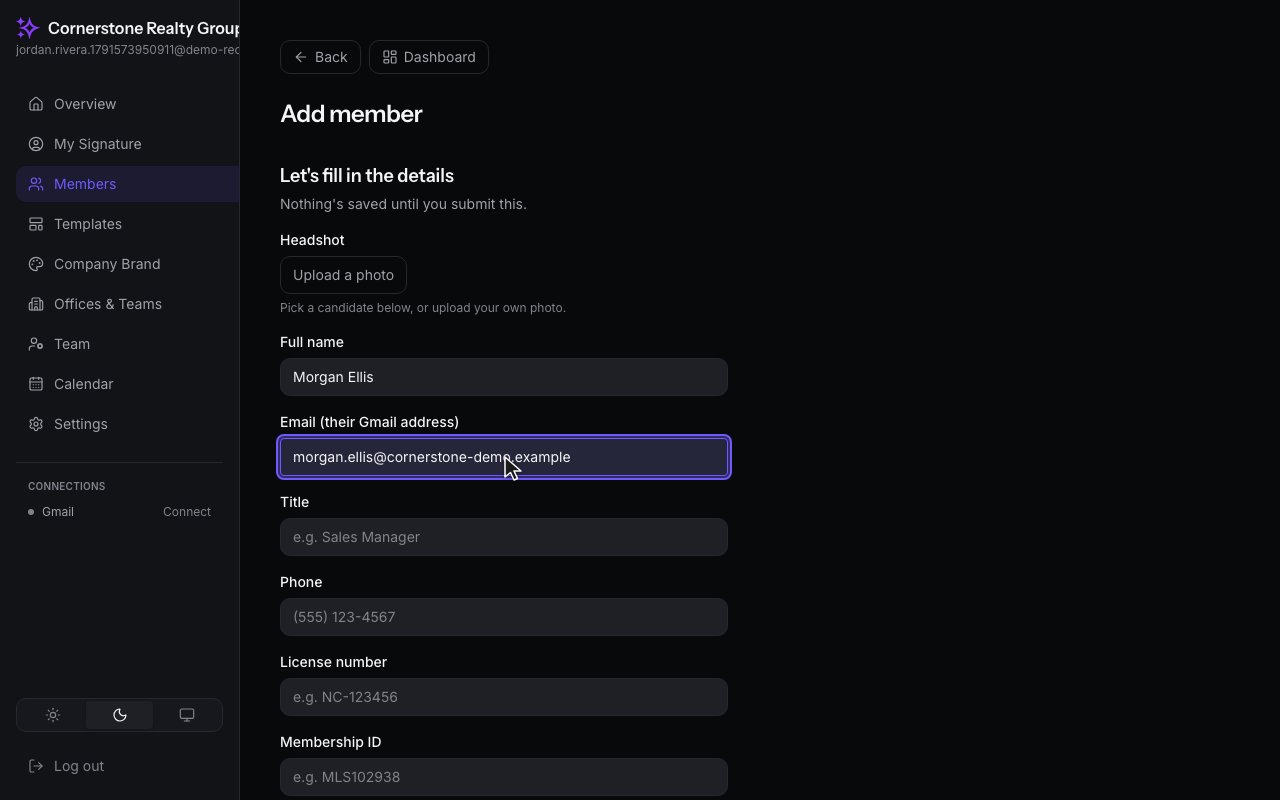
Then their email address. This is the Gmail address their signature goes to.
5
And their title.
6
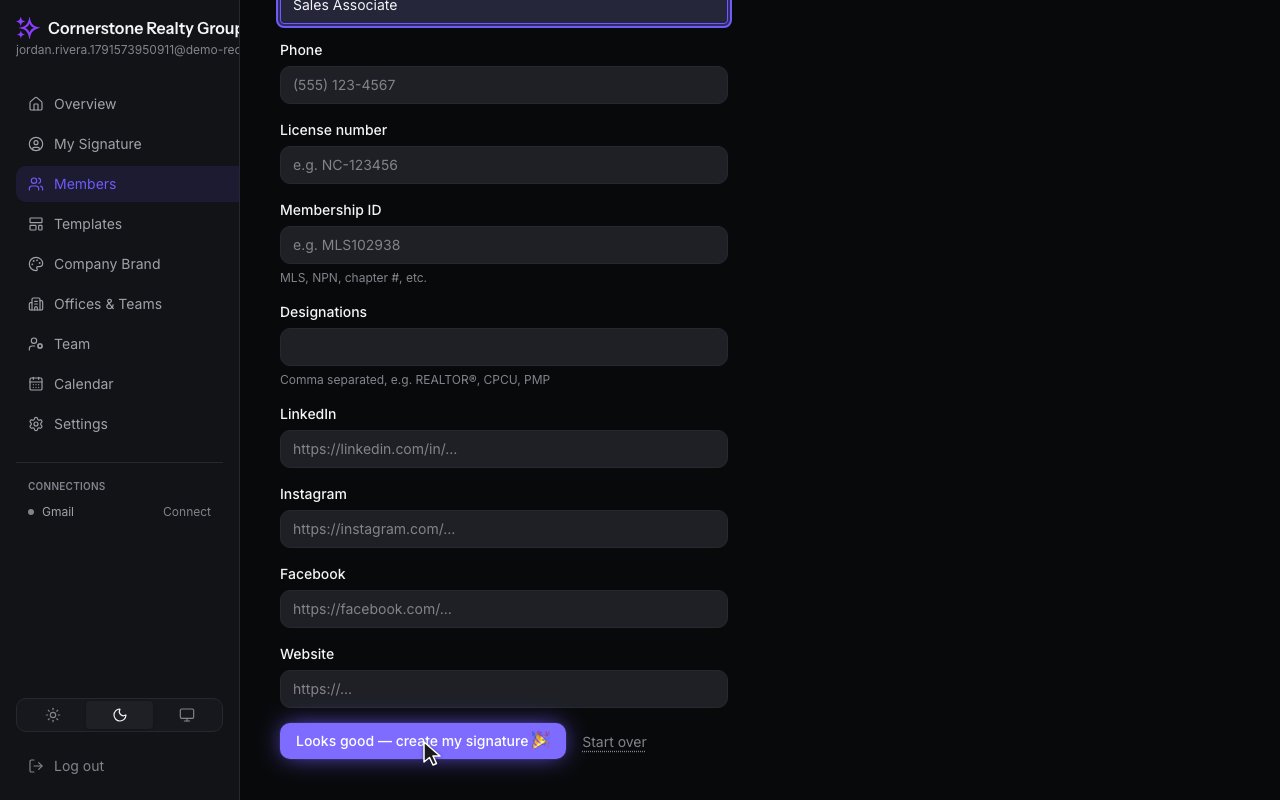
Save the member. Their signature is built from your company brand, ready to go.