All guides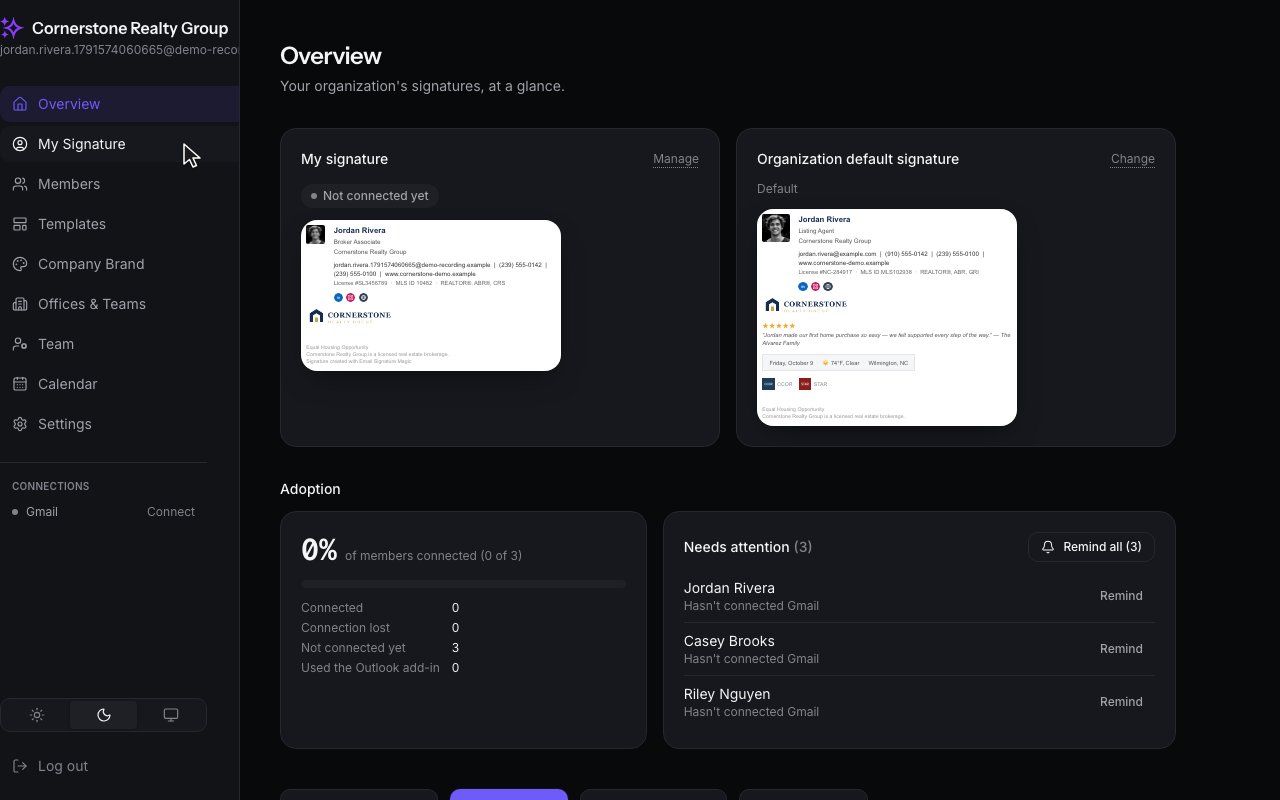
Getting Started · Admins
Make your look the team default
Choose colors on your own signature, then share them with the whole team in one step.
Step by step
1
Start on your own signature. Open My Signature.
2
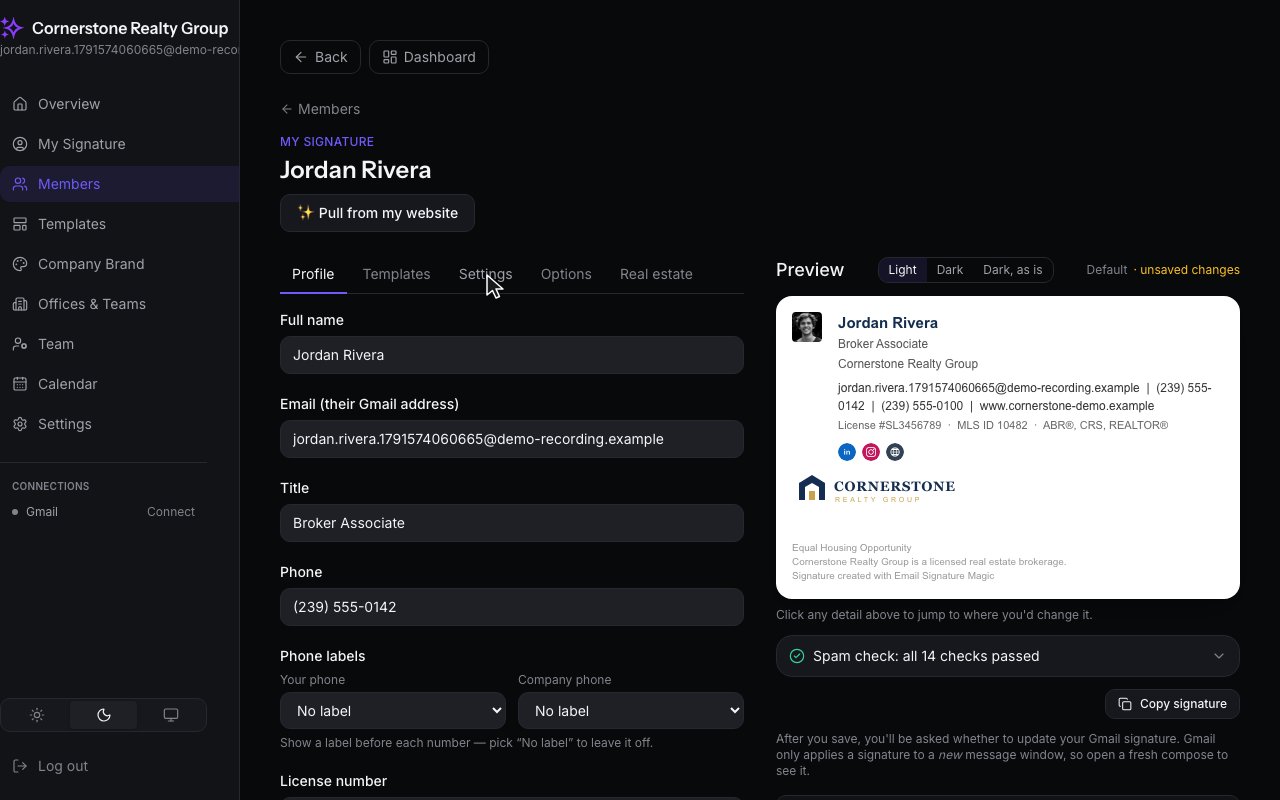
Open the Settings tab, where your colors live.
3
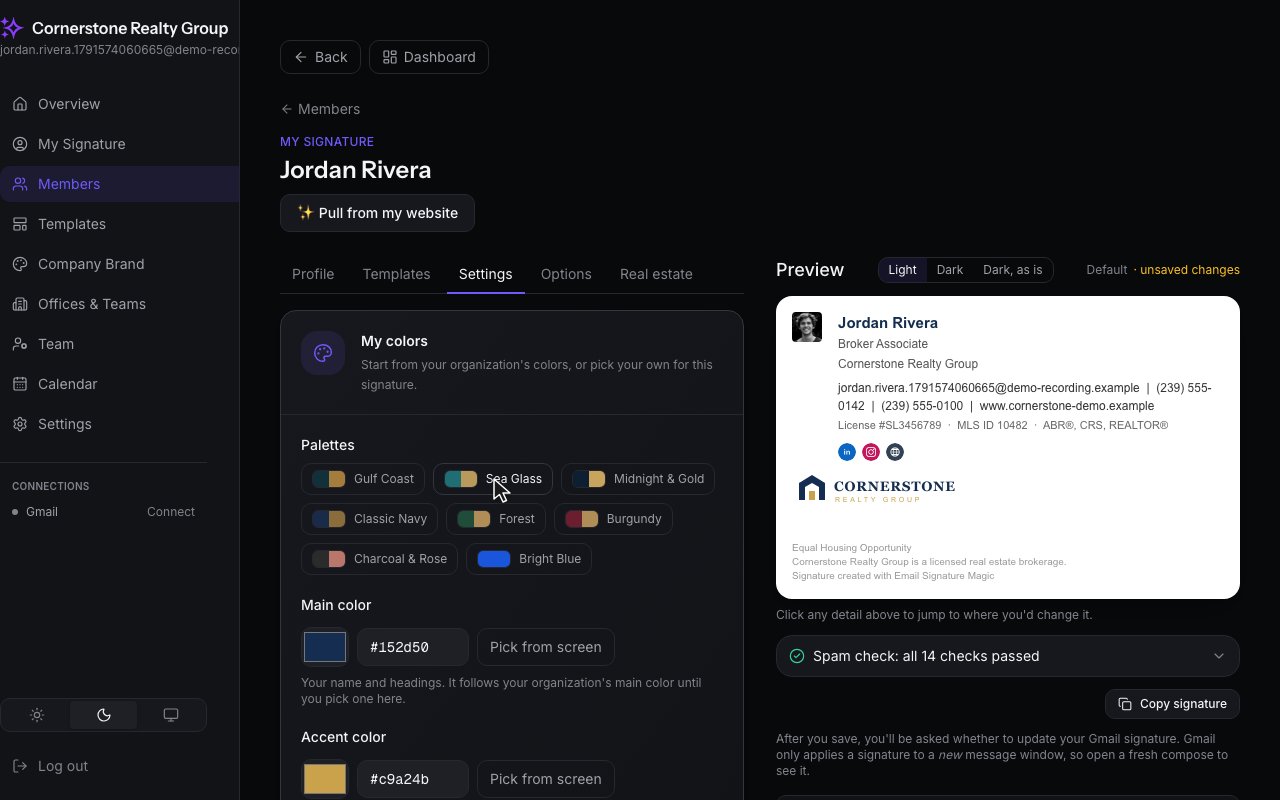
Pick a palette for yourself. The preview changes right away.
4
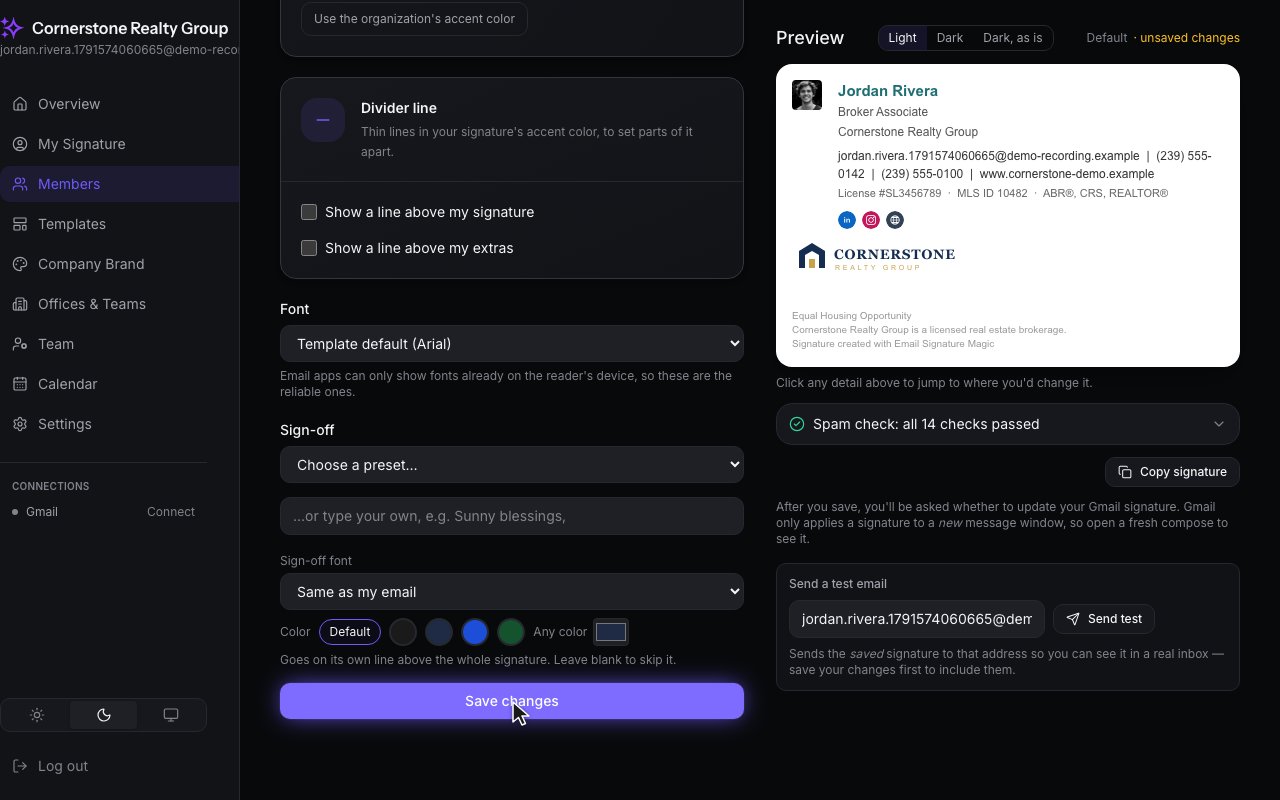
Save your changes.
5
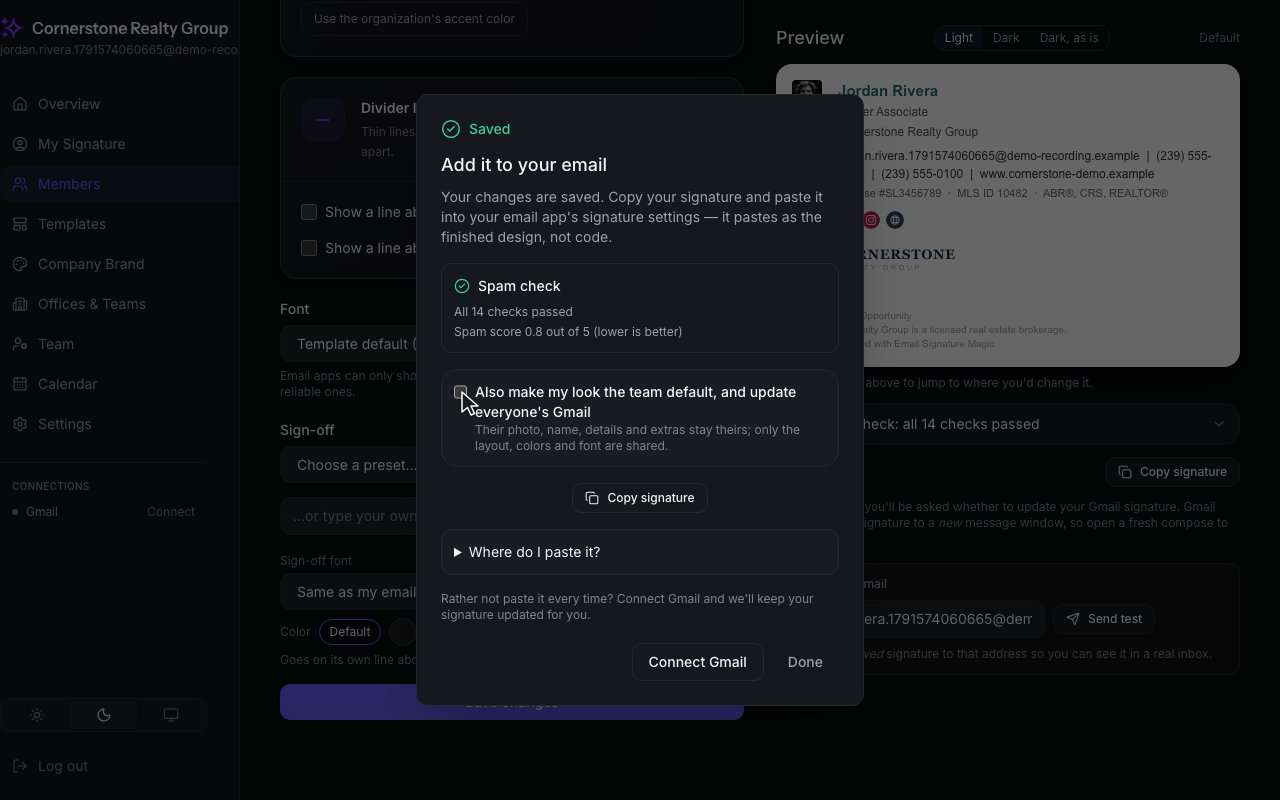
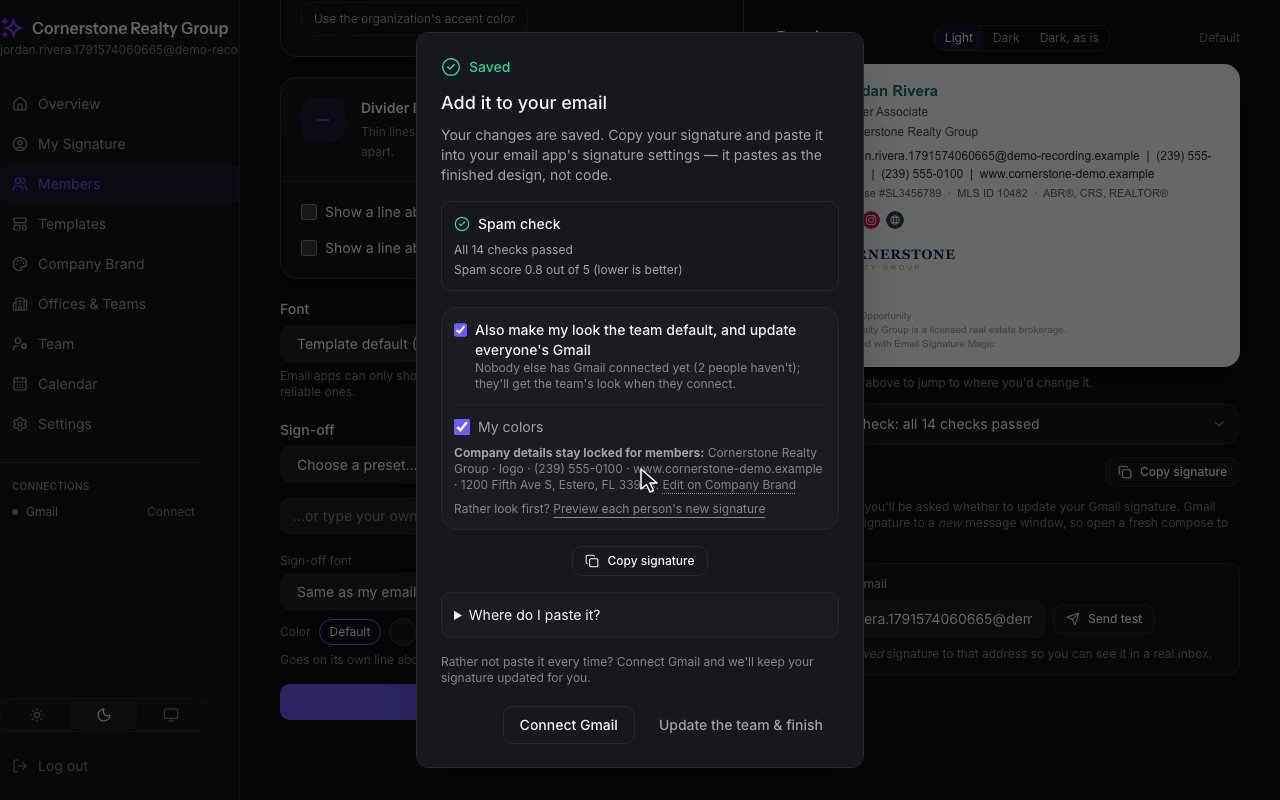
In the dialog that follows, tick make my look the team default.
6
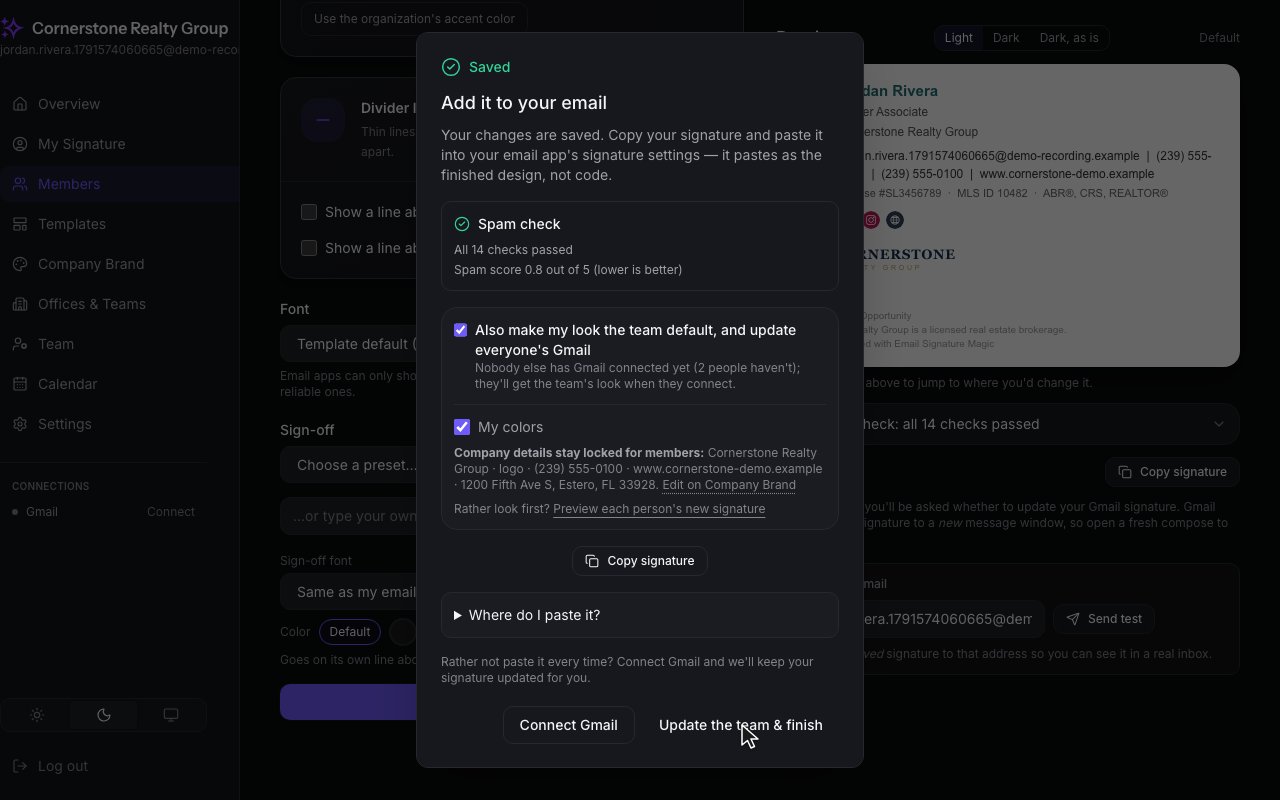
You choose what to share: your layout, your colors, your font. Company details stay locked for members, and so do their photos and personal details.
7
Then one click does it all. It sets the default, and updates everyone's Gmail.
8
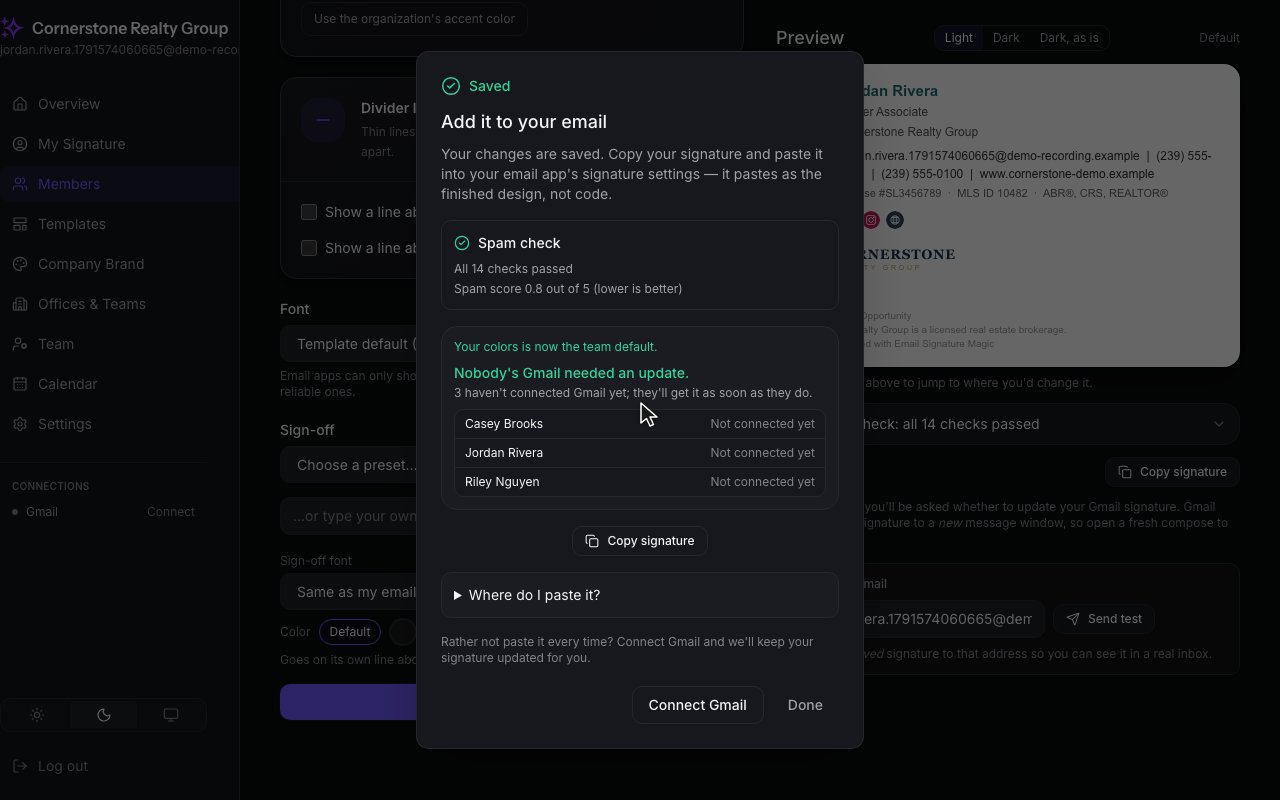
A report shows who was updated, and who still needs to connect Gmail. They get the new look the moment they do.