All guides


Getting Started · Admins
Set your company brand
Add your logo, colors and font once. Every signature in your organization inherits it automatically.
Step by step
1
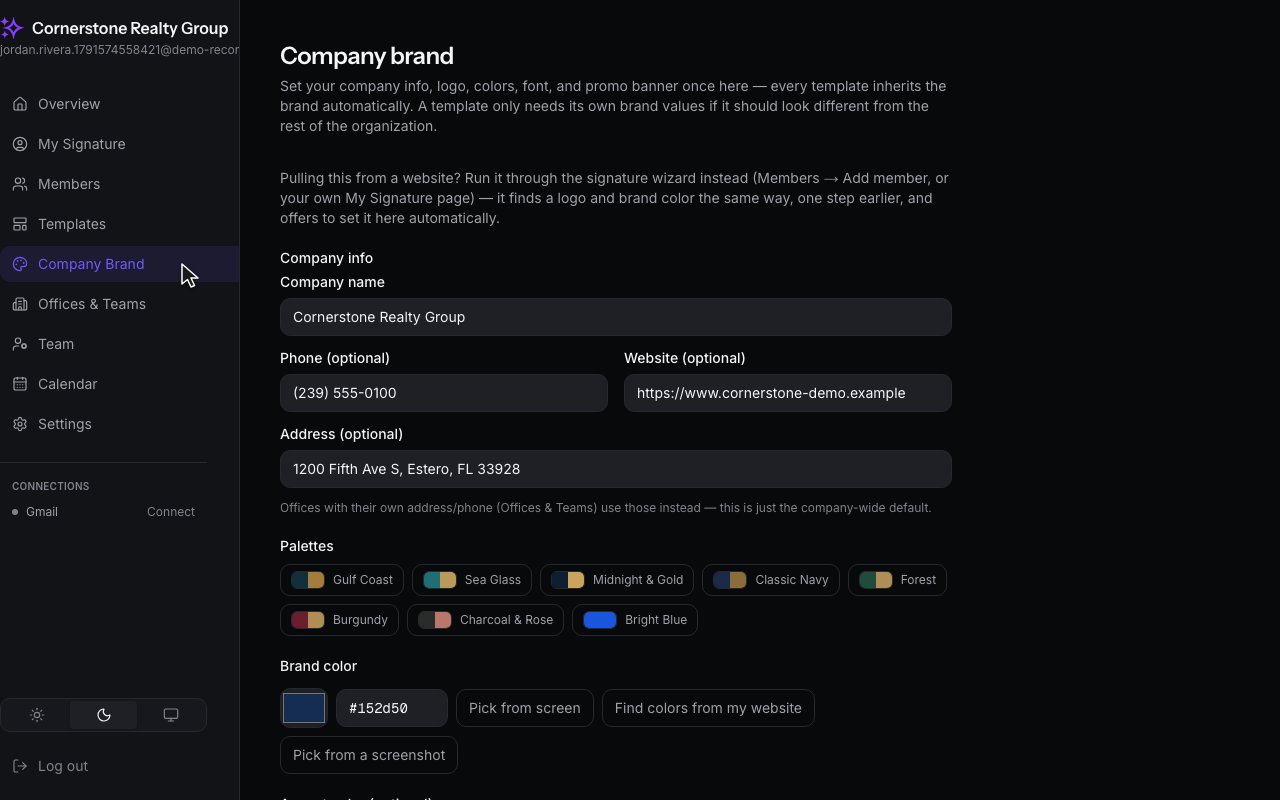
Open Company Brand from the sidebar.
2
Here is where your company's name, logo, colors and font live. The preview on the right updates as you go.
3
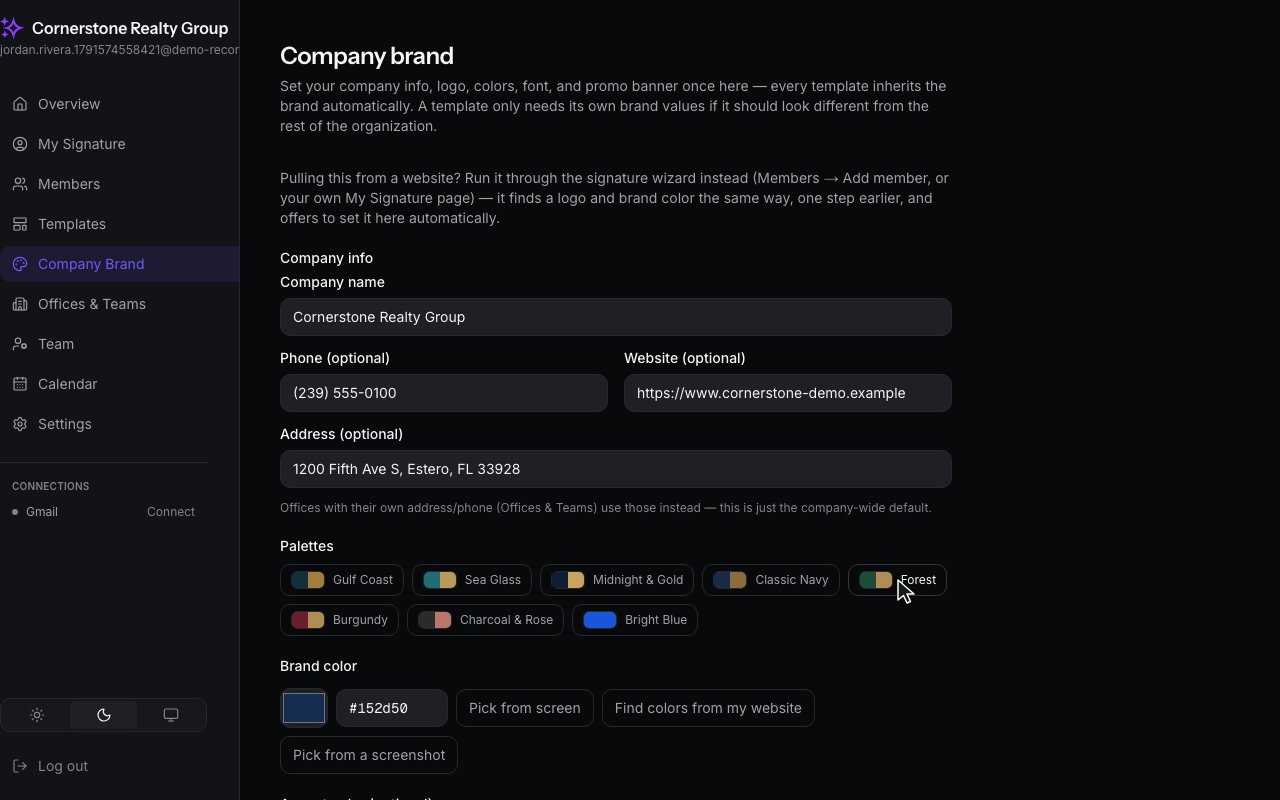
Pick a color palette with one click. It sets your brand color and your accent together.
4
Then choose a font. These are the ones every email app can show.
5
Finally, save it. Every template and every member picks it up from here on.