All guides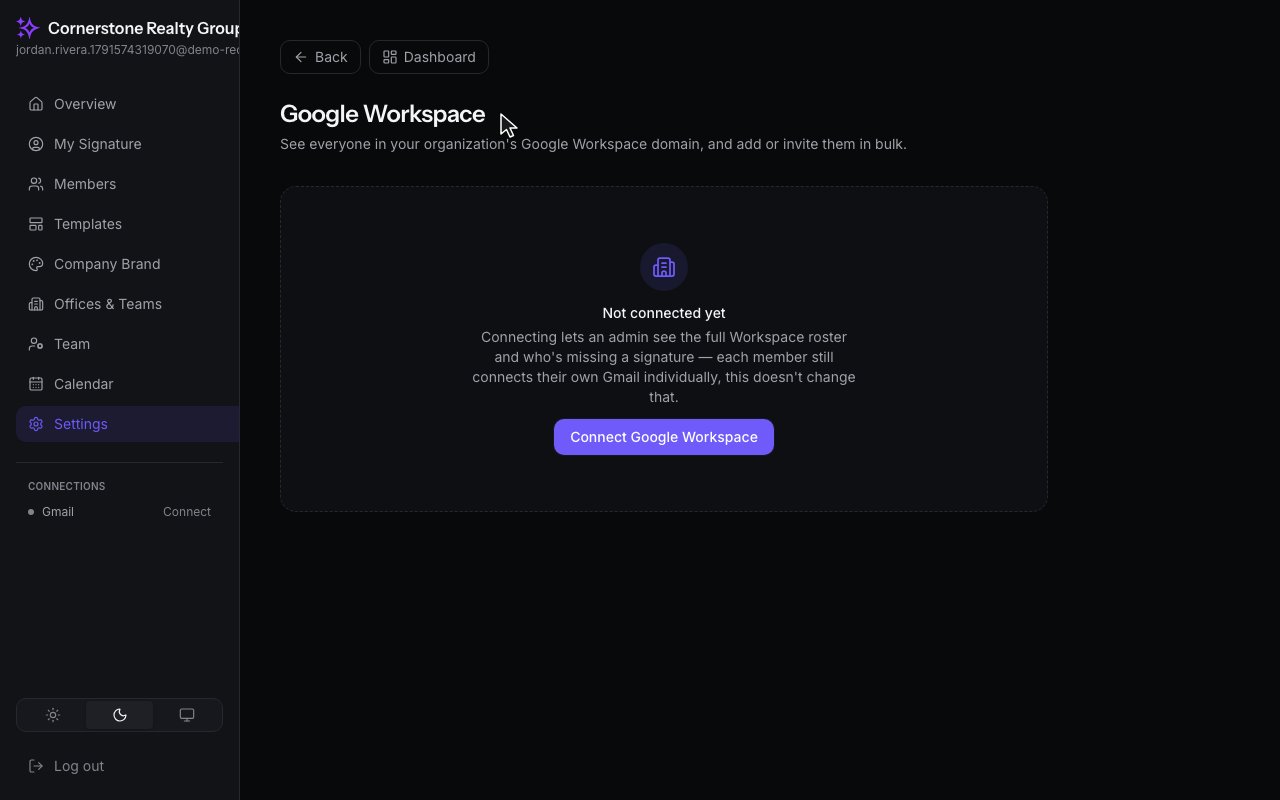
Getting Started · Admins
Connect Google Workspace
See everyone in your Google Workspace domain, add them in bulk, and keep the team up to date automatically.
Step by step
1
Open Google Workspace under Settings, Integrations. If your organization uses Google Workspace, you can connect it here.
2
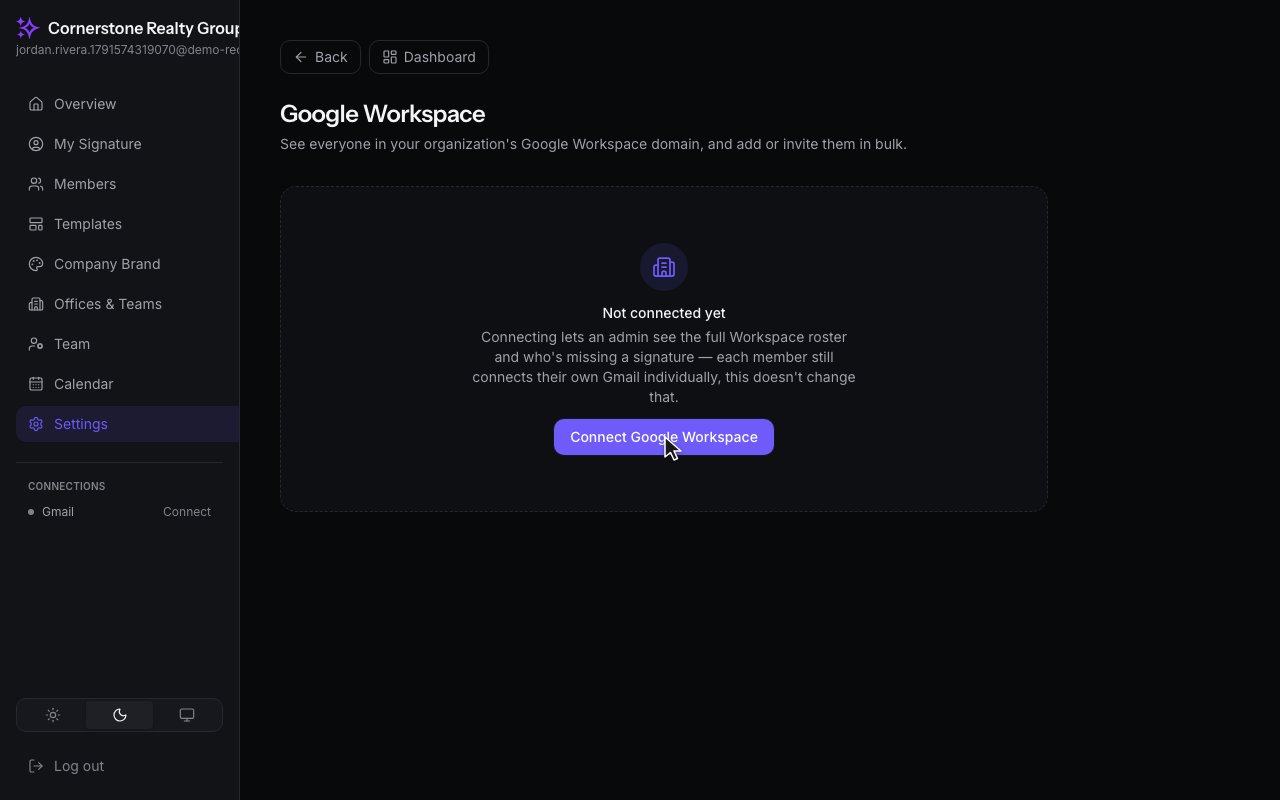
Click Connect Google Workspace and sign in with a Workspace administrator account. We only read your list of people. We never change your directory.